
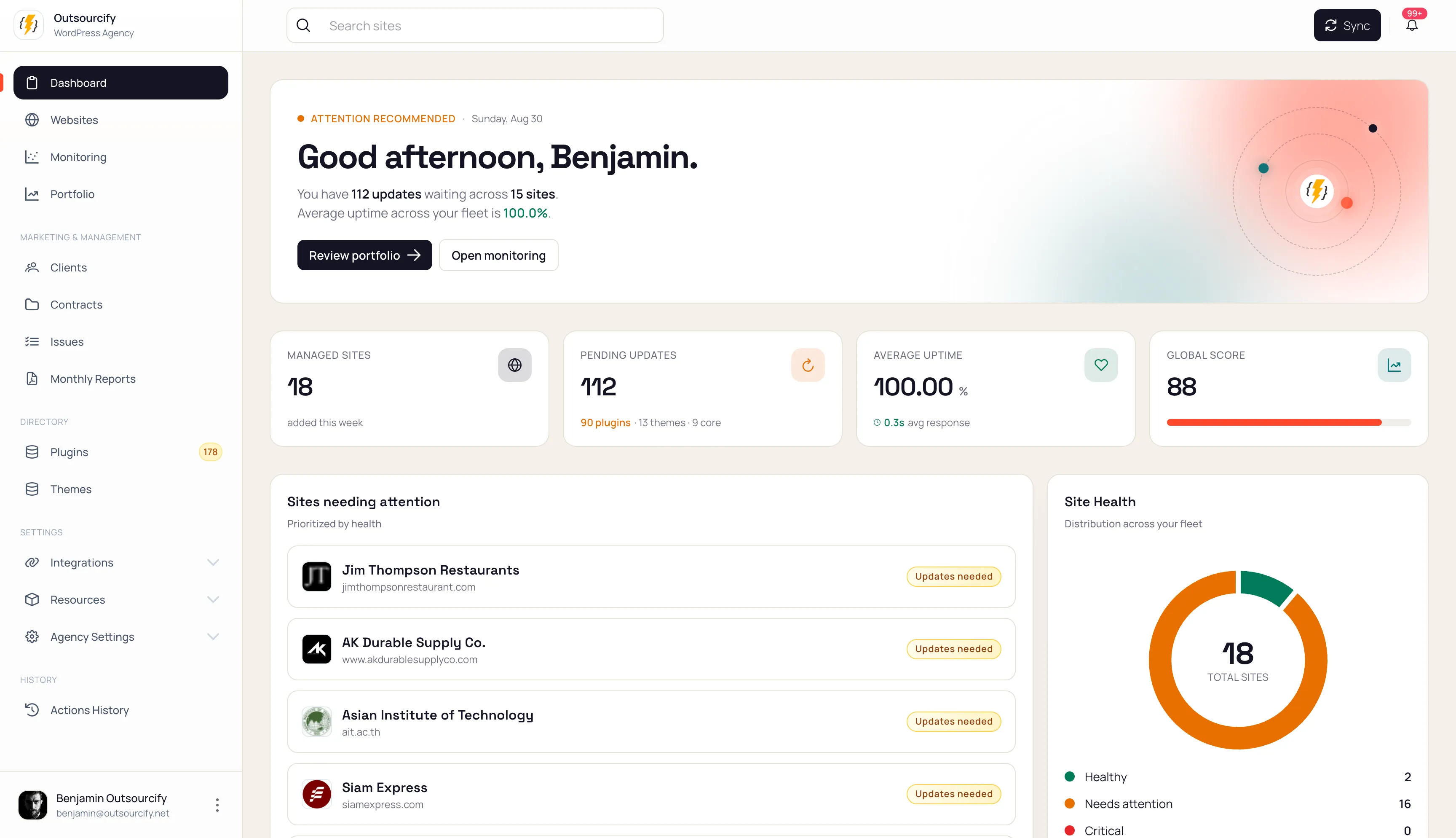
Website maintenance,
one workspace for every client.
Manage WordPress and static sites, monitor uptime and SSL, review security and SEO, and connect the work to client contracts and reports.
Free during the beta. No credit card required.
YOUR PORTFOLIO, IN ONE VIEW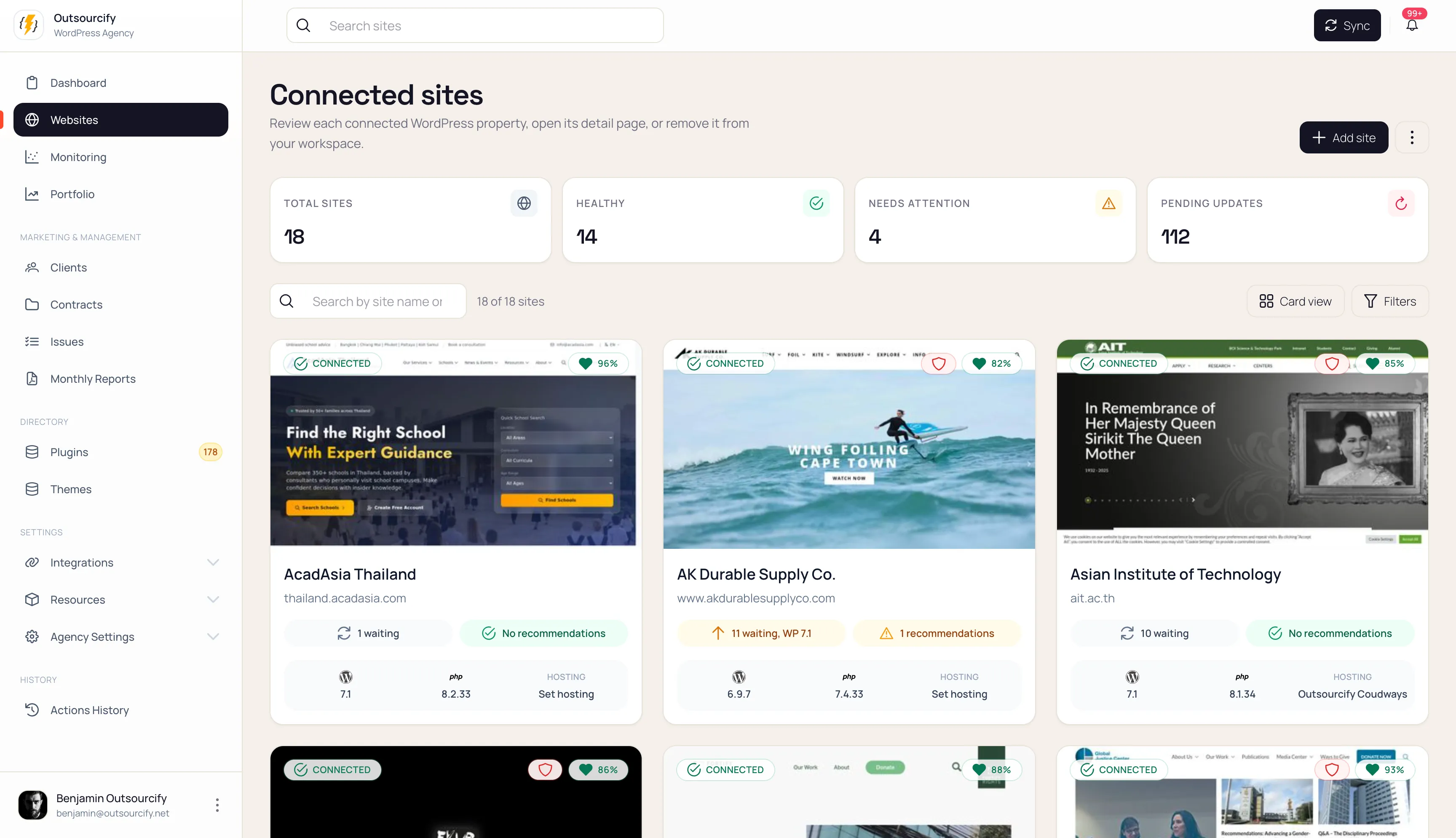
Website maintenance,
connected in one workspace.
Every agency knows those tabs.
WordPress, GitHub, monitoring, client updates.
Somehow, still no clear next step.
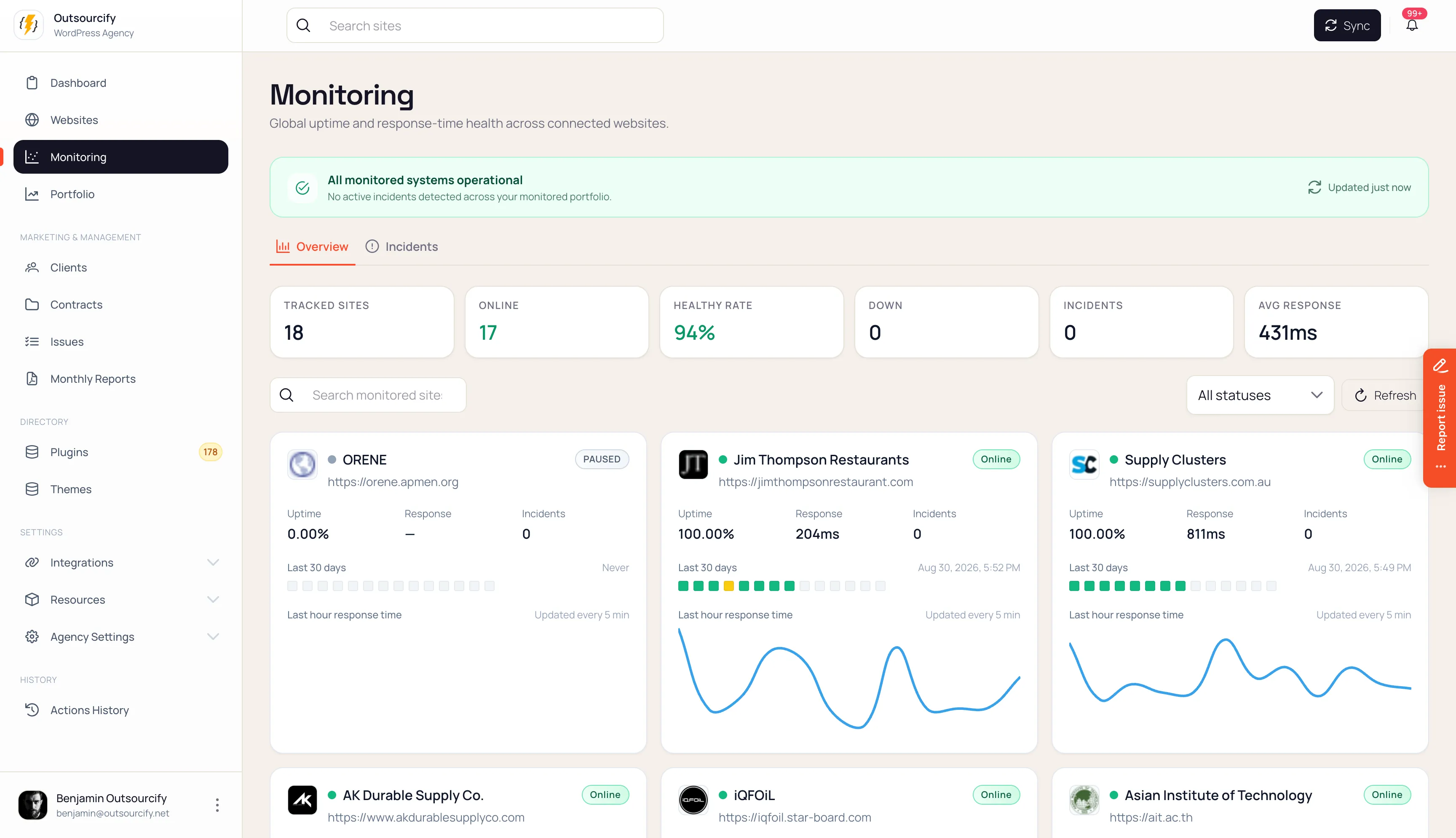
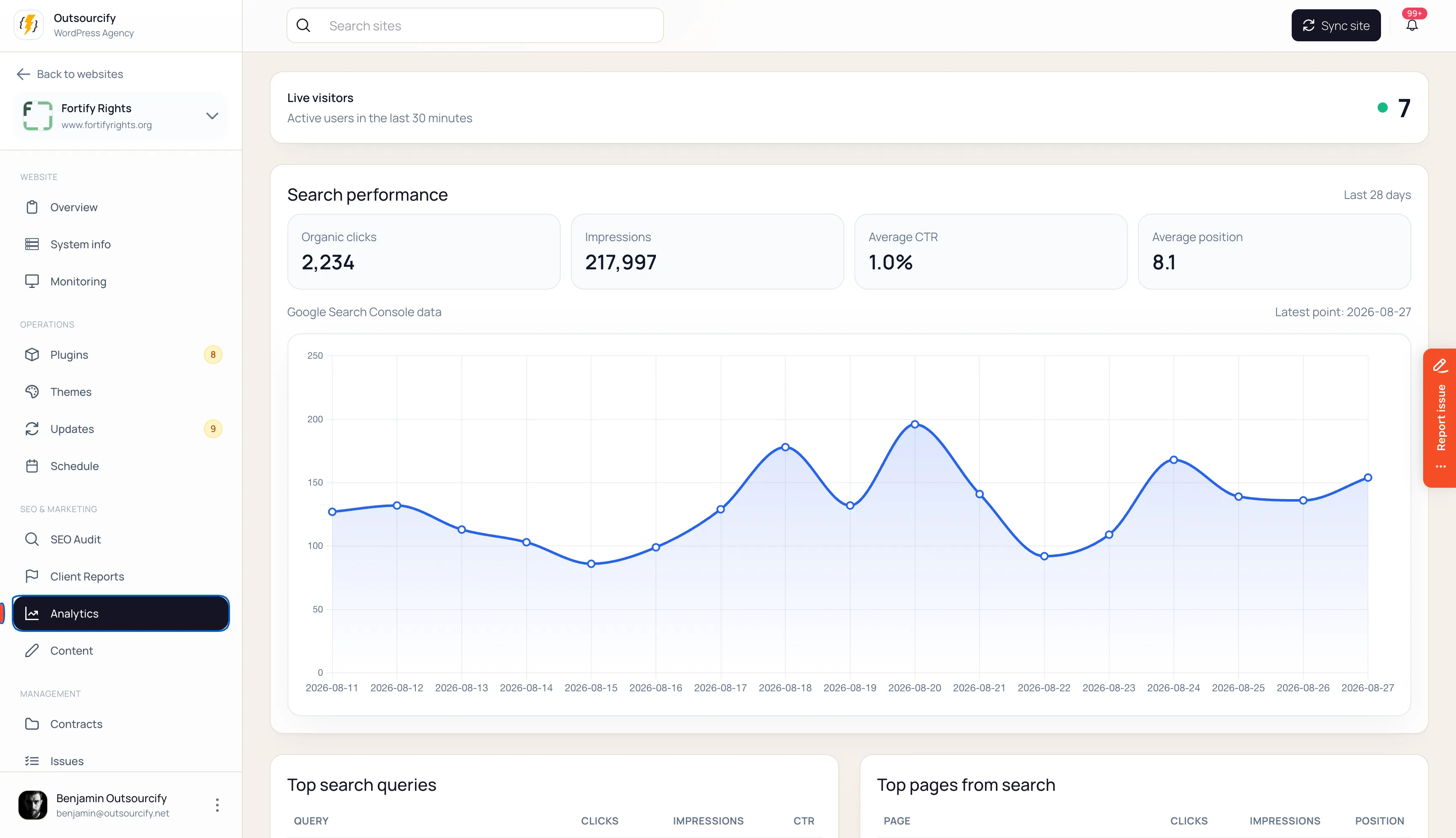
One workspace for every part of the job.
Ask your internal AI assistant about your sites.
Get contextual help with site information and Lighthouse findings. Understand the issue, then choose the next maintenance step with your team.
Explore the AI assistantRead-only assistance · example conversation
Northstar Studio · WordPress
A useful place to start
Lighthouse auditSite profile
Built for teams that keep client sites running.
See agency workflowsIllustrative workflows
Agency operations
How an agency gets from 24 sites to one clear queue.
Agency operationsExplore workflowWordPress maintenance
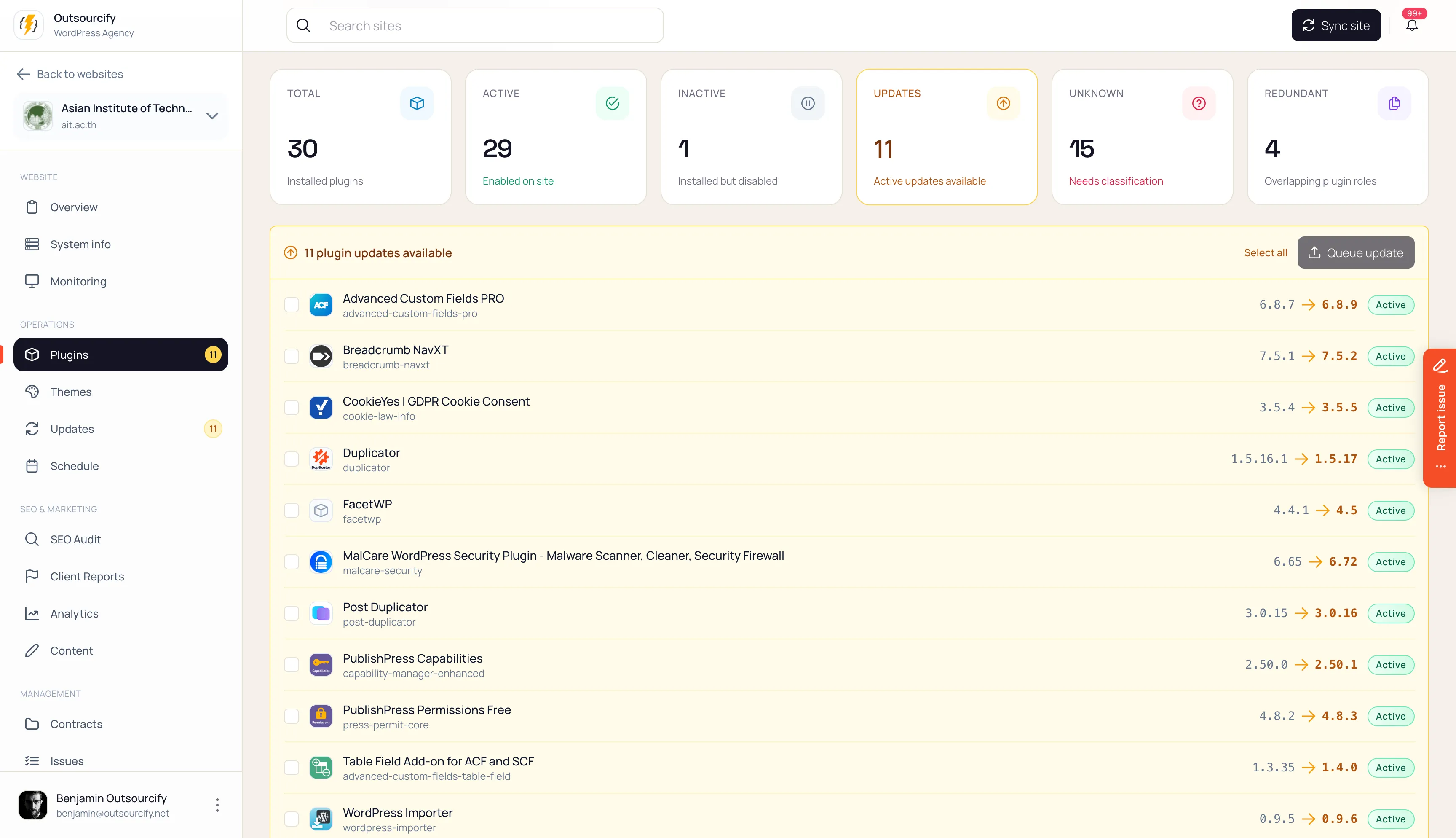
How operators review the WordPress stack before updating.
WordPress maintenanceExplore workflowStatic sites
How static sites stay in the maintenance picture.
Static sitesExplore workflowMake the next decision clear. Make the work visible to the client.
The Orbit journal
Latest from the journal.
Practical notes on understanding client sites, prioritizing maintenance, and showing the work.

Site credentials, kept in the vault
Store WordPress, hosting, DNS, and API credentials in the encrypted vault of each site, and reveal a secret only after password reconfirmation.

Every plugin your clients run, in one place
Orbit inventories every plugin and theme across client sites, matches them to known vulnerabilities, and flags what breaks your agency standards.

A practical website maintenance checklist
Build a repeatable website care routine with a clear site record, reviewed changes, useful checks, and a concise client update.